August 12, 2026
Website Copy for Bilingual Customers: 2026 Guide
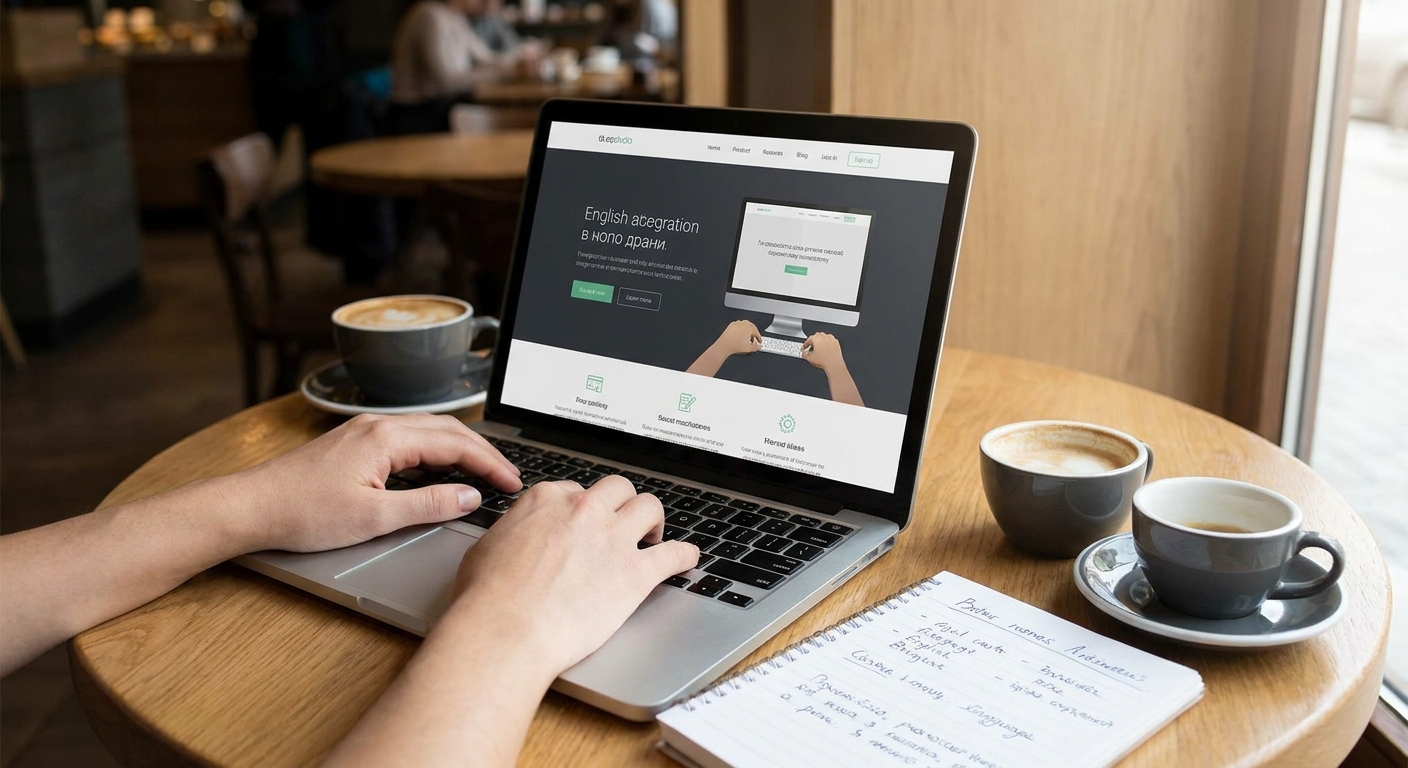
If your customers speak more than one language, your website copy needs to work in both — not as an afterthought, but as two versions written to convert. This guide walks through writing website copy for bilingual customers step by step, from mapping pages to testing with native speakers.
- Translate meaning and intent, not sentences — literal translation reads robotic and costs conversions.
- Website copy for bilingual customers needs separate URLs per language plus hreflang tags, not a single toggle overlay.
- Budget 2-4 weeks for a full-site translation pass on a typical small business site in 2026.
- Hire a native copywriter for the second language; skip machine translation for anything customer-facing.
- Test forms, confirmation emails, and CTAs in both languages before launch, not just the homepage.
Why this matters
A bilingual site that only translates the homepage sends the wrong signal: the second language is decorative, not functional. Customers notice within seconds whether a site was built for them or bolted on for them.
The US Census Bureau put the number of Spanish speakers at home at roughly 42 million as of its 2022 estimate. Any local business in a market with a sizable Spanish-, French-, or Vietnamese-speaking customer base is leaving revenue on the table by treating the second language as a footer widget instead of a full experience.
Website copy that converts already has to earn trust and drive action in one language. Doing it in two means the second version has to carry the same weight, not a diluted summary.
What you'll need
- A breakdown of which languages your current or target customers actually use — pulled from calls, forms, or foot traffic notes
- A native or professional bilingual copywriter for the second language, not a machine-translation pass
- A short style guide covering tone, formality, and regional word choices for each language
- A CMS that supports separate URLs per language, not just a text overlay
- 2-4 weeks of lead time for a full-site pass, depending on page count
- A native speaker on standby to review the final draft before launch
The steps
1. Map every page that needs a second-language version
Most bilingual rollouts stall because someone translates the homepage and stops. List every page a customer might land on: services, pricing, FAQ, checkout, and contact. If your FAQ page answers billing and scheduling questions in English only, you've created a support gap for the other half of your customer base.
2. Decide your language URL structure before you write anything
Three options exist: subdirectories (site.com/es/), subdomains (es.site.com), or a toggle that swaps text on the same URL. Subdirectories are the standard choice for 2026 SEO because search engines index each language version as its own page with its own ranking potential. A toggle-only setup often gets flagged as duplicate or thin content.
3. Write the second language from scratch, not word-for-word
Translating sentence by sentence produces copy that reads like a manual, not a pitch. A native copywriter restructures idioms, adjusts formality, and picks the phrase a real customer would use — not the dictionary equivalent. This is the single biggest quality gap between DIY bilingual copy and copy that actually converts.
4. Match tone and formality to the language, not just the words
English marketing copy in the US often uses casual, second-person language. Spanish-language copy for the same audience frequently reads better with a slightly more formal register, especially for service categories like healthcare, legal, or financial. Get this wrong and the copy feels translated even when every word is correct.
5. Localize every CTA, form label, and confirmation message
A button that says "Book Now" in English and "Reservar" in Spanish is easy. The gap shows up in confirmation emails, error messages, and form validation text — the parts teams forget because they're not on the homepage. If a Spanish-speaking customer books an appointment and gets an English-only confirmation, the disconnect undoes the trust the rest of the page built.
6. Add hreflang tags and a visible language switcher
Hreflang tags tell search engines which language version to serve to which searcher. Without them, Google may show the wrong language version in results, or treat both versions as duplicate content and suppress one. Place the language switcher in the header, not buried in a footer link — customers should find it in under three seconds.
7. Test the full flow with a native speaker before launch
Run through booking, checkout, or contact in the second language start to finish. Native speakers catch machine-translation tells — wrong verb tense, awkward literal phrases, missing accents — that a non-native reviewer misses entirely. This step catches the errors that cost trust, not just polish.
8. Track engagement by language, not just by page
Once both versions are live, segment your analytics by language path. If the Spanish-language pages show a bounce rate 20-30% higher than English pages, that's a signal the copy or the layout still doesn't fit the audience, not that the audience isn't there.
Troubleshooting
Copy reads stiff or robotic in the second language. This is the machine-translation tell. Route the draft through a native copywriter for a rewrite pass, not a proofread.
Forms reject accented characters or special punctuation. Check your form validation rules — many default templates block characters like ñ, é, or ü. This is a common gap in website security features for small business sites reviews too, since form handling and data validation overlap.
Search rankings drop after adding a second language. Missing or incorrect hreflang tags are the usual cause. Verify each page pair links to its counterpart correctly.
Customers can't find the language switcher. Move it to the header navigation and label it in both languages — "English / Español" outperforms a flag icon alone.
Confirmation emails or receipts stay in English regardless of the customer's chosen language. Audit your booking and payment tool settings; many default to a single language unless configured otherwise.
Tools and resources
- How to write a homepage that turns visitors into customers for the English-language baseline before you adapt it
- Best local SEO features for small business websites covers the hreflang and structured-data setup that supports multiple language versions
- How to choose website photos that build trust with customers applies to both language versions equally — imagery doesn't need a translation, but it does need to represent both audiences
- Keyword research still has to happen per language, since search terms rarely translate one to one; sites publishing in Spanish need their own keyword mapping process, the kind covered in a guide on keyword research for Spanish sites, before writing a single line of copy
What to do next
Once both language versions are live, run the same conversion checks you'd run on a single-language site: page speed, mobile layout, and CTA placement. A bilingual site with slow load times loses both audiences equally, so pair this work with a pass through how to speed up your small business website before you call the project done.
FAQ
What's the best way to structure website copy for bilingual customers?
Write each language version natively with a professional or native copywriter, using separate URLs (like /es/) rather than a single toggle. A word-for-word translation reads stiff and converts worse than copy written directly in the target language.
Is machine translation good enough for a bilingual business website?
No, machine translation misses tone, idiom, and formality, which shows up fastest in CTAs and confirmation messages. Use it for a first draft at most, then route everything through a native speaker before publishing.
How much does bilingual website copy cost in 2026?
Cost depends on page count and whether you're translating an existing site or building bilingual copy from scratch, so get a scoped quote rather than assuming a flat rate. A full-site pass for a small business site typically takes 2-4 weeks of writing and review time.
Do I need separate URLs for each language version of my site?
Yes, subdirectories like /es/ let search engines index each language version separately and rank it on its own merits. A toggle that swaps text on one URL often gets treated as duplicate or thin content.
What is hreflang and why does it matter for bilingual sites?
Hreflang is an HTML tag that tells search engines which language version of a page to show a given searcher. Without it, Google may serve the wrong language version or suppress one version as a duplicate.
Should confirmation emails and forms be translated too?
Yes, this is the most commonly skipped part of a bilingual rollout. A customer who books in Spanish and gets an English confirmation email loses the trust the rest of the page built.
How do I know which second language to prioritize for my website?
Check your existing customer data — call logs, form submissions, or in-person requests — for the language actually being asked for. Guessing based on regional demographics alone often misses the audience you already have.
Can one web design studio handle both language versions of a site?
Yes, provided the team either includes native speakers or works directly with a native copywriter for the second language, rather than relying on translation software alone.
One last thing
The biggest cost in bilingual website copy for 2026 isn't the translation — it's the maintenance. Every time you update a price, a service, or a policy in one language, the other version needs the same update or the site starts contradicting itself. Build that update step into whatever plan or process runs your site, not as a one-time launch task.