August 2, 2026
Set Up Google Business Profile With Your Website (2026)
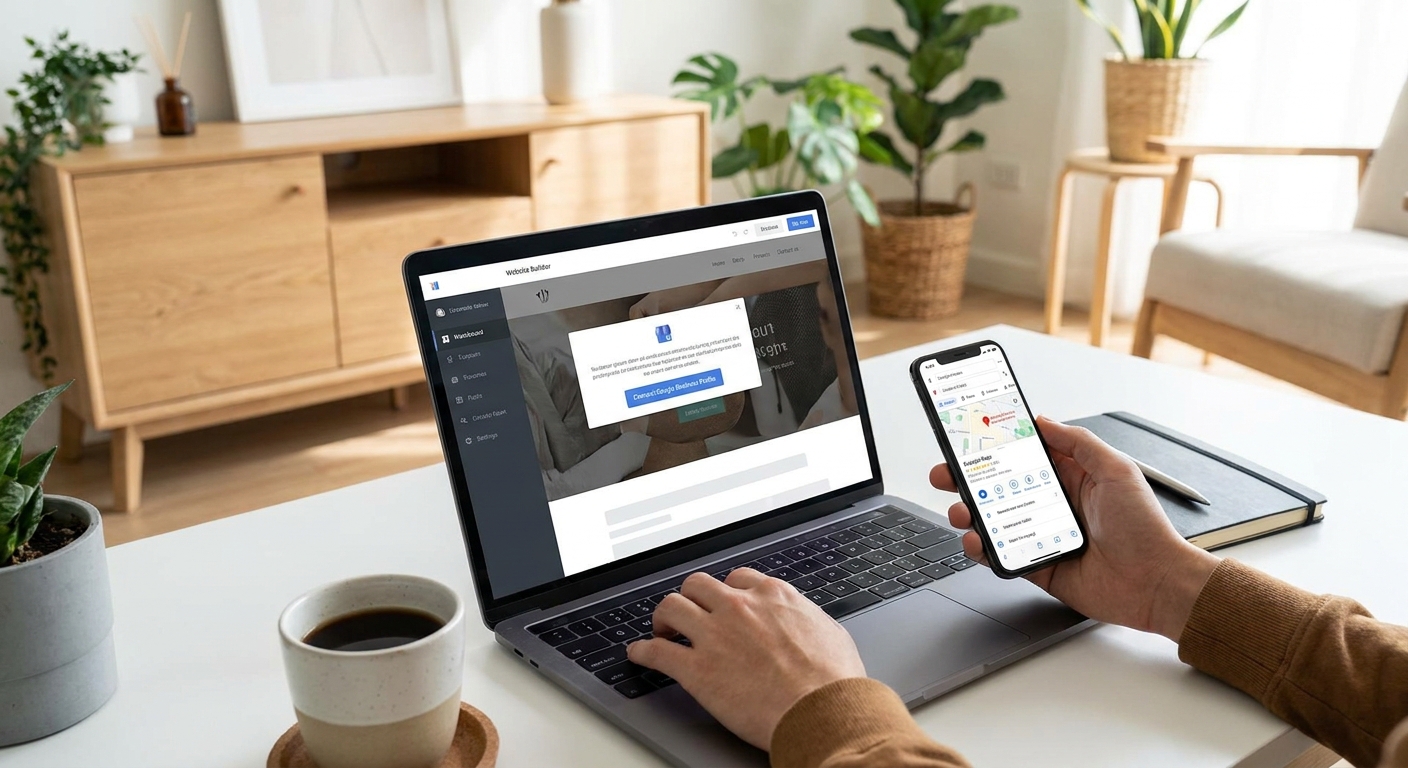
Google shows the map pack before it shows your website, so a business with no verified Google Business Profile loses the click before the homepage ever loads. Setting up your profile correctly the same week your new site goes live is what actually gets you found in local search in 2026.
- Verify your Google Business Profile within 5 days of launch or Google treats the listing as stale.
- Match your business name, address and phone exactly across your website footer and profile - mismatches cost map pack rankings.
- Add your live website URL, correct category, and service area before requesting reviews.
- Businesses that add photos weekly get more direction requests than profiles updated once and forgotten, per Google's own guidance for 2026.
- Turn on messaging and booking links the day you verify - a blank profile with no way to contact you gets skipped.
Why this matters
A new website with zero Google Business Profile activity is invisible in local search results, no matter how good the design is. Google cross-checks your website's name, address, and phone number (NAP) against your profile before it decides how much to trust either one.
Get the local SEO features on your new site wired into your profile from day one and you avoid the 2-4 week lag most small businesses see waiting for Google to re-crawl and re-trust a mismatched listing. Do this in the first week after launch, not the first month.
What you'll need
- A Google account tied to the business, not a personal one
- Your exact legal business name, address, and phone number as they appear on your new website footer
- Your live website URL (the one your developer just pushed)
- A primary business category and up to 9 secondary categories
- A way to verify: phone, email, video call, or postcard, depending on what Google offers your business type in 2026
- 5-10 photos: storefront, team, product or service in action
- Your service area list if you don't have walk-in customers
The steps
1. Claim or find your existing profile first
Search your business name on Google Maps before creating anything new. Roughly a third of small businesses already have a profile auto-generated from directory data, old reviews, or a previous owner, and creating a duplicate splits your reviews and confuses Google's matching algorithm.
If a profile exists, claim it through the "Own this business?" prompt. If nothing shows up, start fresh at business.google.com. Common mistake: creating a second profile because the first one "looks abandoned" - this triggers a suspension review that can take 2-3 weeks to resolve in 2026.
2. Match your NAP to your website exactly
Type your business name, address, and phone number precisely as they appear in your website footer - same abbreviations, same suite number format, same phone formatting. Google's local algorithm weighs NAP consistency as one of its strongest local ranking signals.
A listing that says "123 Main St, Suite 4" while the website footer says "123 Main Street, Ste. 4" reads as two different addresses to Google's crawler. Common mistake: using a PO box or virtual office address when Google requires a physical location for the category you chose.
3. Verify your business
Google offers phone, email, video, or postcard verification depending on your business category and location as of 2026. Phone and email typically complete same-day; postcard verification takes 5-14 days by mail.
Start verification the moment you claim the profile - an unverified listing doesn't show in the map pack at all, regardless of how complete the rest of it is. Common mistake: letting a verification postcard sit unopened for 3 weeks, which resets the whole cycle if the code expires.
4. Add your website URL and pick the right category
Paste the exact live URL of your new site - not a staging link, not an old domain. Pick the single most accurate primary category ("Plumber," not "Home Services") since category choice affects which searches trigger your listing.
Secondary categories widen your reach: a bakery can add "Wedding Cake Shop" or "Coffee Shop" if those services genuinely apply. Common mistake: stacking 8 loosely-related categories to "cover more searches" - this dilutes relevance signals and can flag the profile for review.
5. Upload real photos and set your service area
Add a minimum of 5 photos: exterior, interior, team, and your product or service in progress. Profiles with recent photos get significantly more engagement than profiles running on stock imagery or none at all, according to Google's Business Profile guidance for 2026.
If you serve customers at their location rather than a storefront, set a service area radius instead of relying on your street address alone. Common mistake: uploading a logo as the primary photo - Google prioritizes real photos of the location or work over graphics.
6. Turn on messaging, booking links, and Q&A
Enable direct messaging so a customer browsing the map pack at 9 p.m. can reach you without waiting for business hours. If your new site includes online booking, link that same booking URL inside your profile so the two systems stay in sync instead of running two separate calendars.
Seed 3-5 of your own Q&A entries covering the questions you get most - parking, appointment policy, service radius. Common mistake: leaving messaging on but never checking it, which Google flags as unresponsive and can suppress in results after repeated missed messages.
7. Publish your first Google post and request reviews
Write one short update post announcing the new website or a current offer - profiles with an active post history read as more trustworthy to both Google and the customer scanning results. Then ask your last 5-10 customers directly for a review; profiles with zero reviews convert at a fraction of the rate of profiles with 10+.
Common mistake: buying or incentivizing reviews - Google's 2026 policy on review manipulation results in listing suspension, not just a warning.
Want your site and profile launched together
Nuvora Web builds the site and helps you get the local listing right the first time.
Troubleshooting
Profile shows "suspended" after verification. This usually traces back to a NAP mismatch or a PO box address on a category that requires a physical location - fix the address first, then request reinstatement through the support form.
Verification postcard never arrives. Request a resend after 14 days rather than waiting indefinitely; Google caps resends at a small number before forcing you to switch verification methods.
Duplicate listings competing against each other. Search your business name plus city on Maps, flag the duplicate as "Closed" or "Duplicate" through Google's suggest-an-edit tool, and let the primary profile absorb the traffic.
Website URL rejected or not saving. Confirm the URL includes "https://" and that the site is actually live and indexable - Google won't save a URL that returns an error or is still on a staging domain.
Map pin sits in the wrong location. Drag the pin manually in the profile editor rather than relying on the auto-placed address pin, especially for businesses in strip malls or shared buildings.
Reviews not appearing after customers submit them. Google filters reviews it suspects are fake or posted in a suspicious burst - space out review requests over weeks, not a single day, to avoid the filter.
Tools and resources
- Google Business Profile Manager (business.google.com) - the core dashboard for everything above
- Your website's footer and contact page as the single source of truth for NAP consistency
- A local SEO features checklist to confirm your site's schema markup matches your profile
- An online booking system if you're not already taking appointments through the site
- A recurring calendar reminder to post updates and check messages weekly - profiles go stale fast without upkeep
What to do next
Once the profile is verified and synced, the next gap is usually the website itself falling behind - broken forms, outdated hours, no one checking uptime. A website maintenance plan covers that side so your Google Business Profile and your site stay accurate at the same time instead of drifting apart.
FAQ
How do I set up Google Business Profile with my website?
Claim or create your profile at business.google.com, match your business name, address and phone exactly to your website footer, add your live website URL, then verify by phone, email, video, or postcard. Most small businesses complete this in under an hour, though postcard verification adds 5-14 days.
Is Google Business Profile free in 2026?
Yes, creating and verifying a Google Business Profile costs nothing in 2026. Google monetizes through ads that can appear above organic map pack results, not through listing fees.
How long does Google Business Profile verification take?
Phone and email verification typically complete the same day, while postcard verification by mail takes 5-14 days as of 2026. Video verification, offered for some categories, usually resolves within 48 hours.
Does my website need to be live before I verify Google Business Profile?
Yes, add the live URL, not a staging link, because Google checks that the site loads and matches your business information. An unreachable or placeholder URL can delay approval.
Can I have two Google Business Profiles for one location?
No, duplicate profiles for the same physical location violate Google's guidelines and can get both listings suspended. Search for an existing profile before creating a new one.
Why isn't my new website showing up in Google's map pack?
An unverified or newly created Google Business Profile usually needs 1-4 weeks to fully index, and a NAP mismatch between your site and profile can delay it further. Confirm verification is complete and the address format matches exactly.
How often should I update my Google Business Profile?
Add a post or new photo at least weekly - profiles with active updates get noticeably more engagement than static ones, per Google's 2026 Business Profile guidance. Stale profiles with no activity in months are more likely to lose map pack visibility.
Do I need a physical address to use Google Business Profile?
No, service-area businesses like plumbers or movers can hide their address and set a service radius instead. A PO box alone won't satisfy verification for most categories.
One last thing
The businesses that lose map pack visibility in 2026 almost never lose it to a competitor with a better website - they lose it to their own profile sitting untouched for three months with no new photos, no posts, and messages nobody answered. Fix the site once, then treat the profile like a second front door that needs sweeping every week.