August 8, 2026
Best Online Menu Tools for Cafes in 2026: Ranked
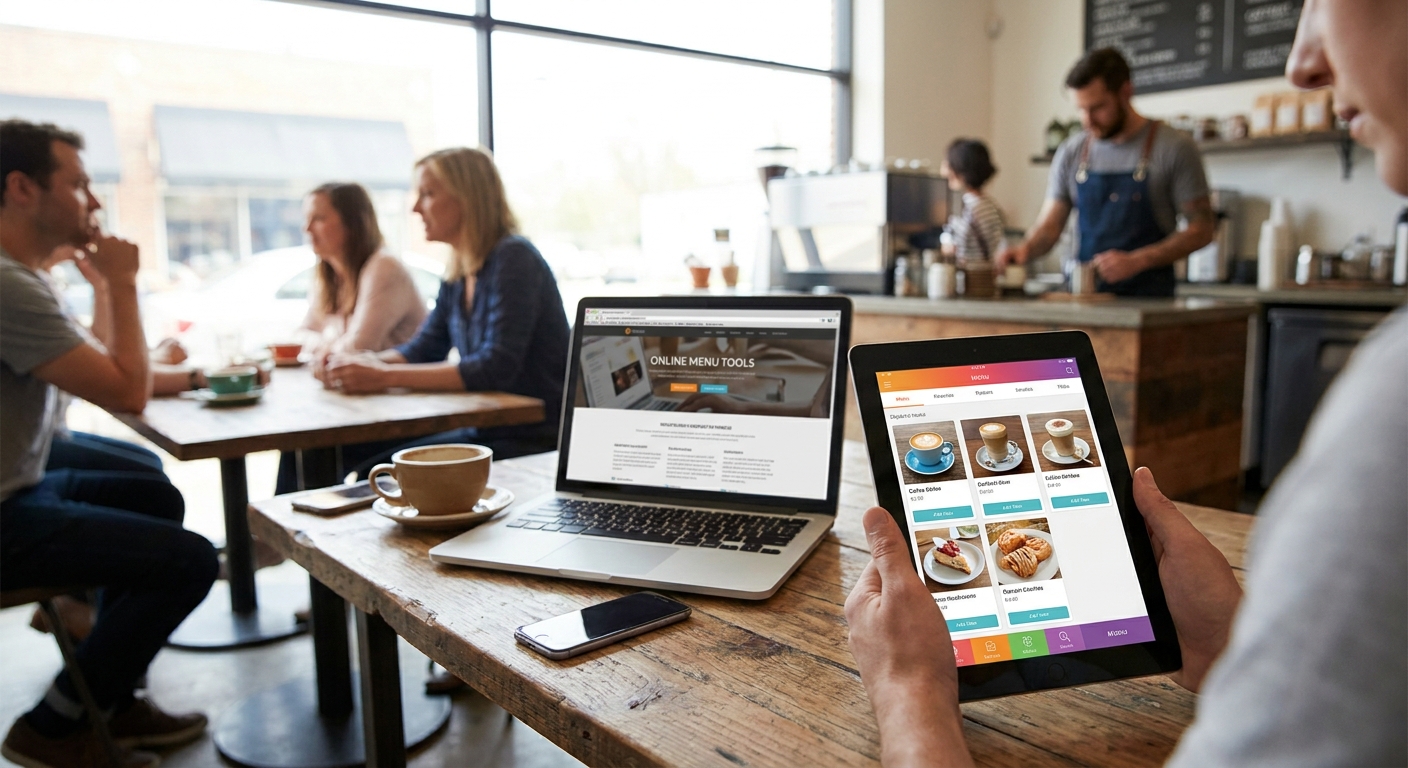
Cafes lose orders over slow, hard-to-read menus more than almost any other single detail on a website — and in 2026, the fix is picking the right menu tool for how your shop actually operates, not the flashiest app in the app store.
- Google Business Profile's free menu editor is the baseline every cafe should fill out in 2026 — Buy.
- Toast and Square for Restaurants win when your online menu needs to sync with an existing POS — Buy.
- GloriaFood and Popmenu work as add-ons but create a second system to maintain — Consider.
- A menu built directly into your custom cafe website loads faster and ranks better than a bolted-on widget — Buy.
- SinglePlatform-style syndication tools are worth it only if you're not already listed correctly on Google and Yelp — Hold.
Why this matters
A cafe's online menu is the first thing a customer checks before they decide whether to walk in, and a slow or outdated one sends them to the shop next door. Most menu tools fall into one of three buckets: POS-linked ordering platforms, standalone menu widgets you embed on any site, and menus built natively into the website itself.
Each bucket trades off differently on speed, maintenance, and how well it shows up in search. Picking the wrong one means paying twice — once for the tool, once for the custom cafe website design you eventually need to make it look right.
How this list was ranked
This ranking weighs four things: how fast the menu loads on a phone, whether it needs a separate login to update, whether it plays well with Google search and Maps, and whether it locks you into a specific POS vendor. Tools that require a PDF download or a slow third-party embed score lower, because both hurt mobile load time and search visibility in 2026. Free or POS-bundled options score higher when they don't force a second subscription just to list your drinks and pastries. None of this is about feature count — it's about what actually gets a customer from search result to order in under 30 seconds.
The ranked list
1. Google Business Profile menu editor — the free baseline
Every cafe already has (or should have) a Google Business Profile, and the built-in menu editor is free with no plan to upgrade. It shows menu items directly in search results and Maps before a visitor ever reaches your site, which matters most for walk-in traffic in 2026. It's clunky for long menus with modifiers, and it won't handle online ordering. Verdict: Buy — do this today, it costs nothing.
2. Toast — the POS-locked pick
Toast has run restaurant POS systems since well before its 2021 IPO, and its online ordering and digital menu features sync automatically with in-store item changes. If a cafe already runs Toast at the counter, the online menu updates the moment a barista marks an item 86'd. The catch: switching POS later means rebuilding the whole online menu from scratch. Verdict: Buy if you're already on Toast, Skip if you're not.
3. Square for Restaurants — the low-friction pick
Square bundles a free online menu page with its POS and payment processing, which makes it the cheapest path for a cafe running lean. The online ordering module integrates with the same item catalog used at the register, so nothing gets typed twice. It looks generic without customization, and most cafes end up wanting more design control once foot traffic depends on it. Verdict: Buy for a first online menu, Consider upgrading once you outgrow the templates.
4. GloriaFood — the free ordering widget
GloriaFood embeds a menu and ordering button on any existing site with no commission on orders taken through it. That makes it attractive for a cafe that already has a website and just needs ordering bolted on fast. The widget looks and feels separate from the rest of the site, and it's a second dashboard to keep updated alongside everything else. Verdict: Consider as a short-term fix, not a permanent setup.
5. BentoBox — the multi-location pick
BentoBox, acquired by Fiserv in 2021, builds full restaurant websites with menu and ordering built in rather than bolted on. It handles multiple locations with shared branding and per-location menu variants, which matters for a cafe chain rather than a single shop. Pricing and setup lean toward operators with more than one storefront. Verdict: Consider for multi-location cafes, Skip for a single shop.
6. Popmenu — the marketing-heavy pick
Popmenu positions itself around AI-assisted menu updates and marketing tools layered on top of a hosted menu page. It's built for restaurants that want automated social posts tied to menu changes, which is more than most cafes need. The hosted page sits on a separate domain-like structure from the main site, which splits SEO signal instead of consolidating it. Verdict: Consider only if the marketing add-ons justify the extra system, Skip otherwise.
7. SinglePlatform-style syndication tools — the niche fix
Syndication tools push one menu out to Yelp, TripAdvisor, and search listings from a single source, which solves inconsistent menu info across the internet. They don't power your own website's menu page, so they're a supplement, not a replacement. Worth it only if your listings are currently wrong or out of date across multiple directories. Verdict: Hold — fix your Google Business Profile and Yelp listing first, then decide if you still need it.
“If your menu takes three taps to load, you've already lost the customer.”
Most of these tools solve one narrow problem and leave the rest of the site to figure itself out. A menu built directly into a custom website avoids the split — one login, one page speed budget, one thing to maintain. That's the model behind Nuvora's coffee shop and cafe websites: the menu lives on the same custom-coded pages as everything else, not on a third-party widget with its own load time.
Get a custom cafe website with your menu built in
Design, hosting, and support in one plan. No upfront build fees.
Comparison table
| Tool | Cost model | Best for | Verdict |
|---|---|---|---|
| Google Business Profile | Free | Every cafe, baseline listing | Buy |
| Toast | POS-bundled | Cafes already on Toast | Buy (if on Toast) |
| Square for Restaurants | Free tier + processing fees | Lean single-shop cafes | Buy |
| GloriaFood | Free widget | Quick ordering add-on | Consider |
| BentoBox | Subscription | Multi-location cafes | Consider |
| Popmenu | Subscription | Marketing-focused shops | Consider |
| Syndication tools | Subscription | Fixing bad directory listings | Hold |
Where to source your menu tool
- Match the tool to your POS, not the other way around. Switching ordering platforms after you've built a menu around a specific POS costs more time than picking correctly the first time.
- Avoid stacking three separate menu systems. A website widget, a POS menu, and a syndication tool that don't share data create three places to fix the same typo.
- Check mobile load speed before signing up. In 2026, most menu views happen on a phone with a weak connection, and a menu tool that loads slowly loses orders regardless of how good the design looks on a desktop demo.
Online ordering deserves its own evaluation once the menu itself is solid — see the full breakdown in best online ordering tools for restaurant websites before adding a checkout flow on top of any of these.
A menu tool also only helps if people find the page it lives on. Pair whichever tool you pick with the local SEO features that get a cafe showing up for "coffee near me" searches in the first place.
FAQ
What's the best online menu tool for a small cafe in 2026?
For most small cafes, Square for Restaurants or a menu built into a custom website wins in 2026 because both avoid a second subscription just to display drinks and pastries. Google Business Profile's free menu editor should be filled out regardless of which paid tool you pick.
Is Toast better than Square for a cafe menu?
Toast is better only if the cafe already runs Toast POS at the register, since the online menu syncs automatically with in-store changes. Square is the lower-cost, lower-friction pick for a cafe not locked into a specific POS yet.
How much does an online menu tool cost for a coffee shop?
Google Business Profile's menu feature is free, POS-bundled options like Square include a free tier with processing fees on orders, and dedicated platforms like BentoBox and Popmenu run on paid subscriptions. Total cost depends on whether ordering and marketing features are bundled in.
Do I need a separate app for my cafe's online menu?
No — a menu built directly into your website's pages loads faster and keeps one login instead of managing a separate app or widget. A separate app makes sense only when it's tied to a POS you already run at the counter.
Can Google show my cafe's menu without a website?
Yes, Google Business Profile's built-in menu editor displays items directly in search results and Maps at no cost. It won't handle online ordering or detailed item photos the way a full website menu page can.
What's the biggest mistake cafes make with online menus?
Uploading a PDF menu instead of a text-based HTML page is the most common mistake, since PDFs load slower on mobile and rank worse in search. A menu built as real page content gets indexed faster and reads better on a phone.
Should a cafe use a menu syndication tool like SinglePlatform?
Only if the menu information on Yelp, TripAdvisor, or Google is currently wrong or inconsistent across listings. If your Google Business Profile and Yelp listing already match your current menu, a syndication tool adds cost without solving a real problem.
Does a custom website menu perform better than a third-party widget?
Yes, because a native menu page shares the same speed and SEO signals as the rest of the site instead of loading a separate embedded script. Third-party widgets often add load time that pushes mobile visitors away before the menu even renders.
One last thing
The tool matters less than the habit: whatever menu system a cafe picks in 2026, updating it the same day a price or item changes protects the trust that gets someone through the door. A stale menu — even a fast, well-designed one — costs more orders than a slow menu that's actually current.