July 25, 2026
Website Design for Hair Salons: 2026 Buying Guide
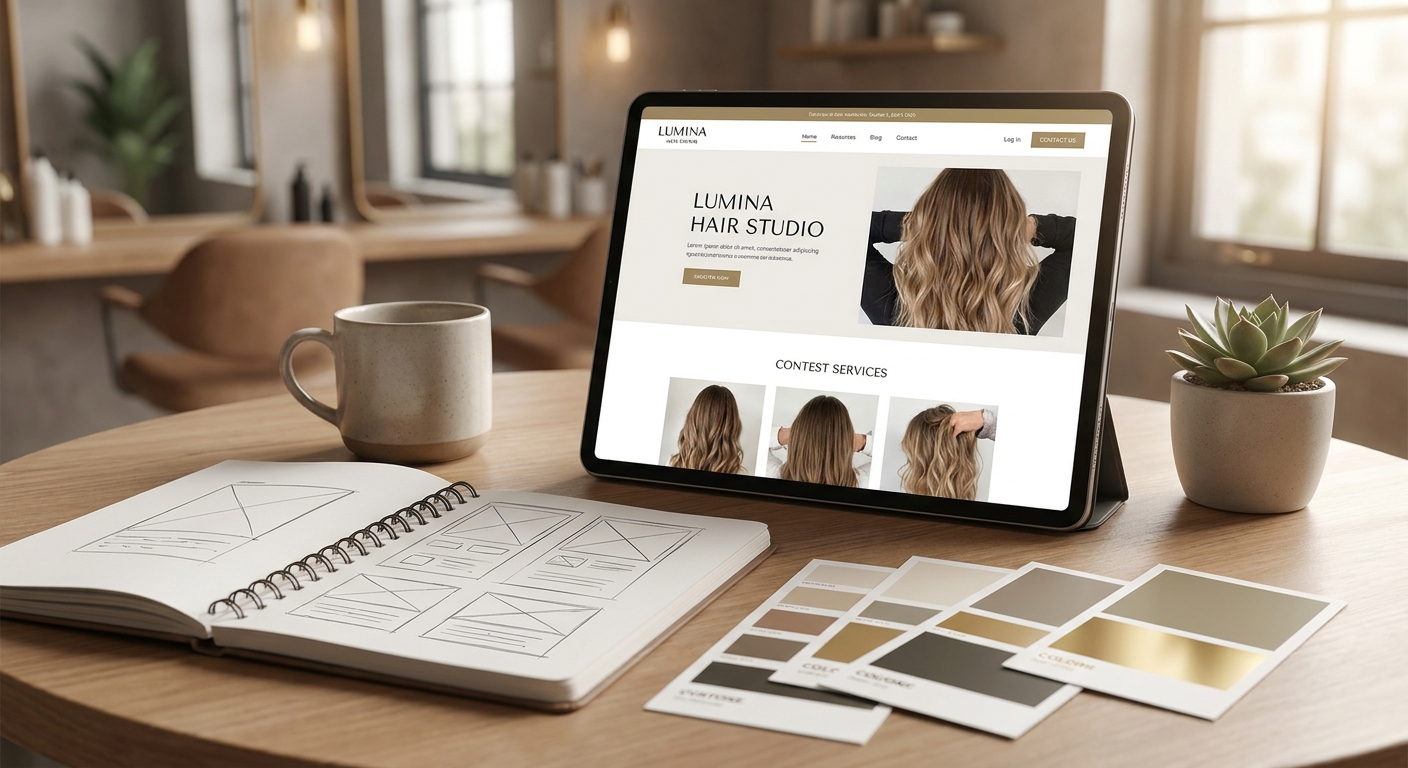
Website design for hair salons has to do three things at once: book a chair, show off the work, and survive a Saturday rush without crashing. Get any of those wrong and the site becomes a cost center instead of a booking engine.
- Website design for hair salons must load in under 2.5 seconds or clients bounce mid-scroll before booking.
- DIY builders like Wix or Squarespace work for solo stylists — Skip once you add a second chair or location.
- Nuvora's flat monthly subscription, with no upfront build fee, is the Buy pick for growing salons in 2026.
- Freelance marketplace hires are the Skip pick — no ongoing maintenance once the site ships.
- Custom one-off agency builds are a Consider pick: solid design, but you own every future update alone.
Why this matters
A salon website isn't a brochure — it's the front desk when the front desk is busy with a color appointment. If the booking widget buries the calendar three clicks deep, clients call instead, and calls get missed during a blowout.
The same buying logic applies across appointment-based businesses. Restaurant website design runs into the identical problem: reservations, hours, and a menu that changes need a site that updates without a developer on standby. Salons face the same math with services, stylist availability, and seasonal promotions.
In 2026, Google still treats page speed as a ranking signal through Core Web Vitals — sites with a Largest Contentful Paint under 2.5 seconds outrank slower competitors for local searches like "hair salon near me." A slow gallery page costs bookings before it costs rankings.
Who this is for
This guide is for salon owners and managers running one to five chairs who are choosing between a DIY builder, a freelancer, a one-off agency project, or a subscription studio for their next site. It assumes you care about online booking, a before-and-after gallery, and not touching code to update a price list.
What to look for in website design for hair salons
Mobile booking that doesn't fight the calendar
Most salon searches happen on a phone between other tasks, so the booking button needs to sit above the fold, not buried under a scroll. A site that forces a client through five screens to book a cut loses that client to a competitor's two-click flow.
A before-and-after gallery that loads fast
Galleries sell the work, but uncompressed photos tank load time. A gallery page that misses the 2.5-second Core Web Vitals threshold pushes clients to close the tab before they see the second photo.
Stylist bios and service menus you can edit yourself
Stylists change, prices change, and specialty services rotate seasonally. If updating a bio or a price requires calling a developer, the site goes stale within a few months — and stale menus erode trust fast.
Local SEO wiring for "near me" searches
A salon site needs a connected Google Business Profile, consistent name-address-phone data, and location-specific content if it serves more than one neighborhood. Without that wiring, a well-designed site still won't surface in the map pack.
Clear cancellation and no-show policy
Salons lose chair time to no-shows more than almost any other appointment-based business. A visible, simple cancellation policy — often a 24 to 48 hour window — on the booking page cuts down on disputes and missed revenue.
Hosting and maintenance that doesn't stall
Plugins break, booking widgets get deprecated, and browsers update. A site with no maintenance plan behind it eventually stops working quietly, and owners find out from a client complaint, not a dashboard alert.
Top picks for website design for hair salons
DIY builder (Wix, Squarespace) — the cheap fast start. One spec that matters: template-based editing with no code required. Works fine for a single-chair operation with one service menu and no location complexity. Consider for solo stylists, Skip once you add a second chair or a second location — templates get clunky fast under real content volume.
Freelance marketplace hire — the wildcard. One spec that matters: a fixed delivery scope with no built-in maintenance after handoff. Quality swings wildly project to project, and once the freelancer moves on, plugin updates and broken links become your problem. Skip for any salon that plans to update content more than once a quarter.
Custom one-off agency build — the expensive safe pick. One spec that matters: full design ownership and a one-time project fee. Design quality is usually strong, but most one-off contracts stop at launch — hosting, security patches, and future edits aren't included. Consider if you have in-house or contracted help lined up for ongoing upkeep.
Subscription website studio (Nuvora) — the safe pick for growing salons. One spec that matters: a flat monthly subscription that bundles design, hosting, and maintenance with no upfront build fee. The judgment behind the design, the QA on booking flows, and the relationship stay human — not an AI template stitched together. Buy for salons planning to add chairs, locations, or services over the next year.
DIY by the owner using no-code tools — the time-sink. One spec that matters: full control at zero build cost, paid for in hours. Owners running a busy chair schedule rarely have the spare time to keep a no-code site current. Skip unless the salon is closed enough days a week to treat site work like a side project.
What to avoid
- Generic salon templates loaded with stock photography. They look finished in a demo but read as fake the moment a client compares the stock model's haircut to the actual work on Instagram.
- Booking widgets that redirect off-site to a third-party domain. Clients lose trust when the URL bar suddenly shows a booking vendor's domain instead of the salon's own site.
- Any agency quoting a large upfront build fee with no maintenance plan attached. The site launches strong and then freezes — no security patches, no content updates — until it eventually breaks.
Verdict comparison
| Option | Mobile booking | Ongoing maintenance | Cost structure | Verdict |
|---|---|---|---|---|
| DIY builder (Wix/Squarespace) | Basic, template-limited | None included | Low monthly fee | Consider (solo only) |
| Freelance marketplace hire | Varies by freelancer | Not included | One-time project fee | Skip |
| Custom one-off agency build | Strong if scoped well | Not included | Large upfront fee | Consider |
| Subscription studio (Nuvora) | Built-in, mobile-first | Included monthly | Flat monthly subscription | Buy |
| Owner DIY (no-code) | Depends on effort | Owner-managed | Time cost only | Skip (busy salons) |
FAQ
What's the best website design for hair salons in 2026?
The best setup pairs mobile-first booking with a fast-loading gallery and a maintenance plan that keeps the site current after launch. Subscription studios cover all three; DIY builders and one-off agency projects usually cover only one or two.
Is a subscription website plan better than a one-time build for a salon?
For salons planning to add stylists, services, or locations, a subscription plan is the stronger fit because updates and hosting are included ongoing. A one-time build can look identical at launch but leaves maintenance entirely on the owner afterward.
How much does website design for hair salons cost in 2026?
Cost depends on the model: DIY builders run a low monthly template fee, one-off agency builds charge a single upfront project cost, and subscription studios like Nuvora fold design, hosting, and maintenance into one flat monthly fee with no upfront build fee.
Do hair salon websites need online booking built in?
Yes — most salon searches happen on mobile between other tasks, and a booking button buried more than a click or two deep pushes clients to call instead or leave. Built-in booking on the homepage is the single highest-impact feature for a salon site.
Can I use Wix or Squarespace for a hair salon website?
Wix and Squarespace work fine for a single-chair operation with one simple service menu. Once a salon adds a second chair, a second location, or frequent price changes, template builders get clunky and slow to update.
How long does it take to build a hair salon website?
Most salon website rebuilds take four to six weeks from kickoff to launch, depending on how much gallery and service content needs organizing. DIY builds can go live faster but often need a second round of edits once real bookings start coming in.
What makes a hair salon website rank on Google Maps searches?
Local ranking depends on a connected Google Business Profile, consistent name-address-phone data across the web, and a site that loads fast enough to meet Core Web Vitals thresholds. A well-designed site without that local SEO wiring still won't surface in map results.
Should a salon website show pricing for every service?
Showing at least starting prices reduces phone calls asking for quotes and filters out clients outside the salon's price range. Salons that hide all pricing tend to see more no-show bookings from price-mismatched clients.
One last thing
The page that drives the most repeat bookings on a salon site usually isn't the homepage — it's the individual stylist bio page, because clients who liked a cut search the stylist's name directly next time. Skip building those out and the site quietly loses its best return-visitor traffic.